Turn hours of content into structured insights — in minutes.
Translate documents up to 2 million characters. Analyze YouTube videos with AI.
German hosting. No subscription. Privacy by design.
Built for these workflows
YouTube Research
Analyze interviews, podcasts & comments. Get structured transcripts with AI summaries.
75 min = €0.14–0.24
Document Translation
Translate reports, books, manuals into 50 languages. Creative & cultural modes available.
100 pages = €0.59–0.84
PDF & Scanned Documents
OCR extracts text from scanned PDFs. Images preserved in DOCX export.
1.5 Credits per page
Document Translation in 6 Steps
Import your document, choose your settings, and get a professional translation. Supports TXT, Markdown, DOCX, PDF, and ZIP files up to 2 million characters.
Document to be translated
PDF, DOCX, TXT or MD files, e.g. an English PDF file to be translated into German
Choose Import Method
Click 'Text Import', 'DOCX Import', or 'PDF Import', or simply drag & drop your file.
Drag & Drop
Drop your file anywhere on the page. We'll detect the format automatically (TXT, MD, DOCX, or PDF).
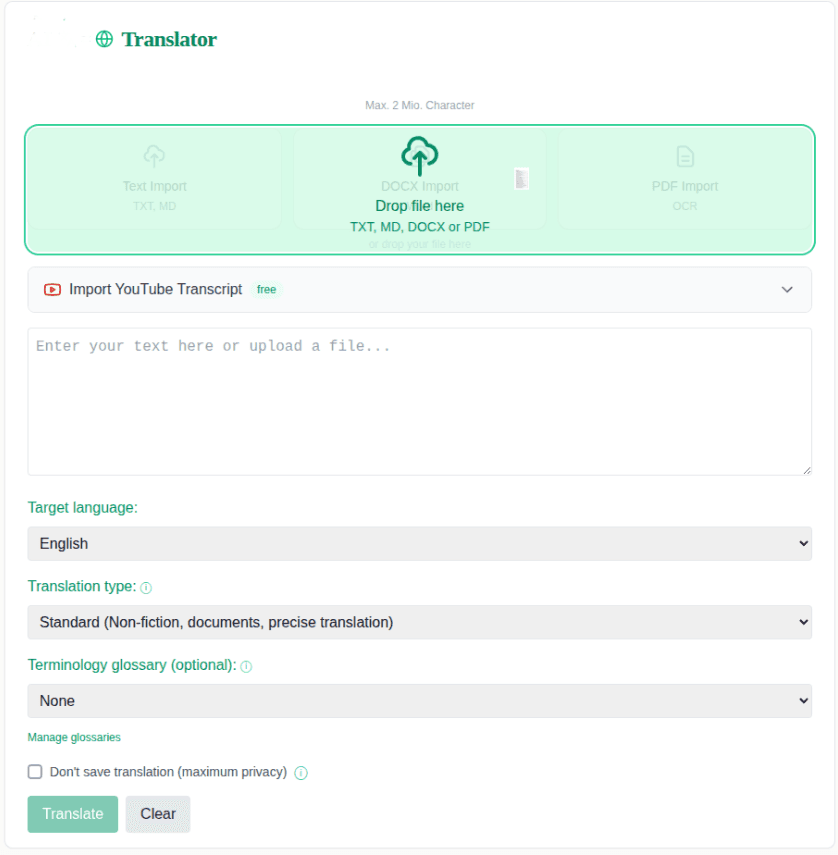
Configure Options
Choose your target language, translation mode, and optional glossary for consistent terminology.
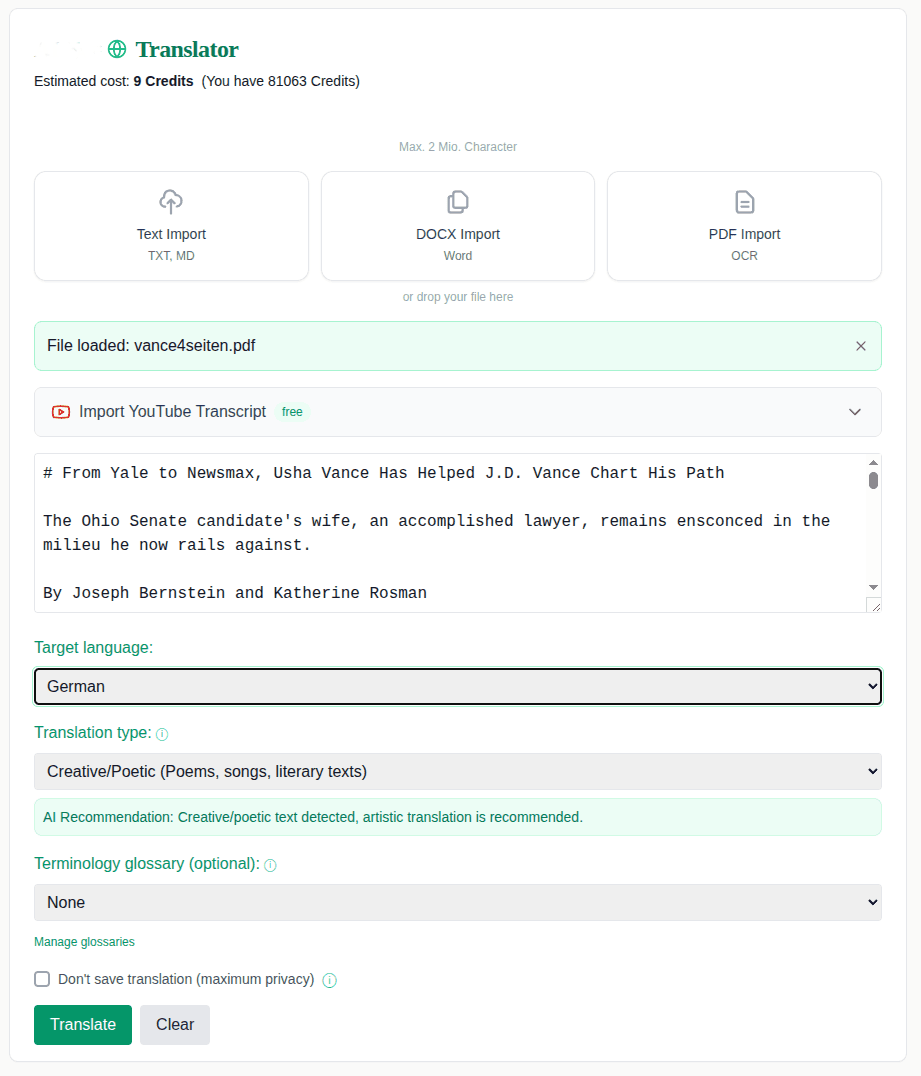
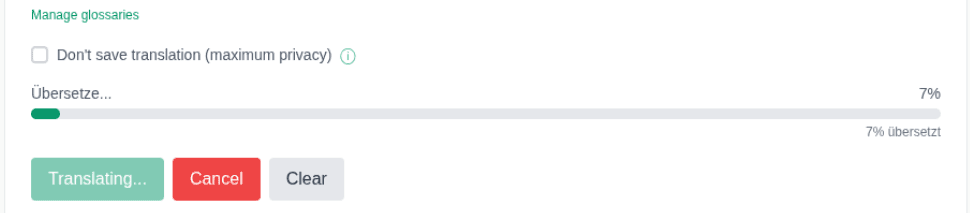
Translation in Progress
Watch the progress bar. Large documents are processed in chunks for reliability.
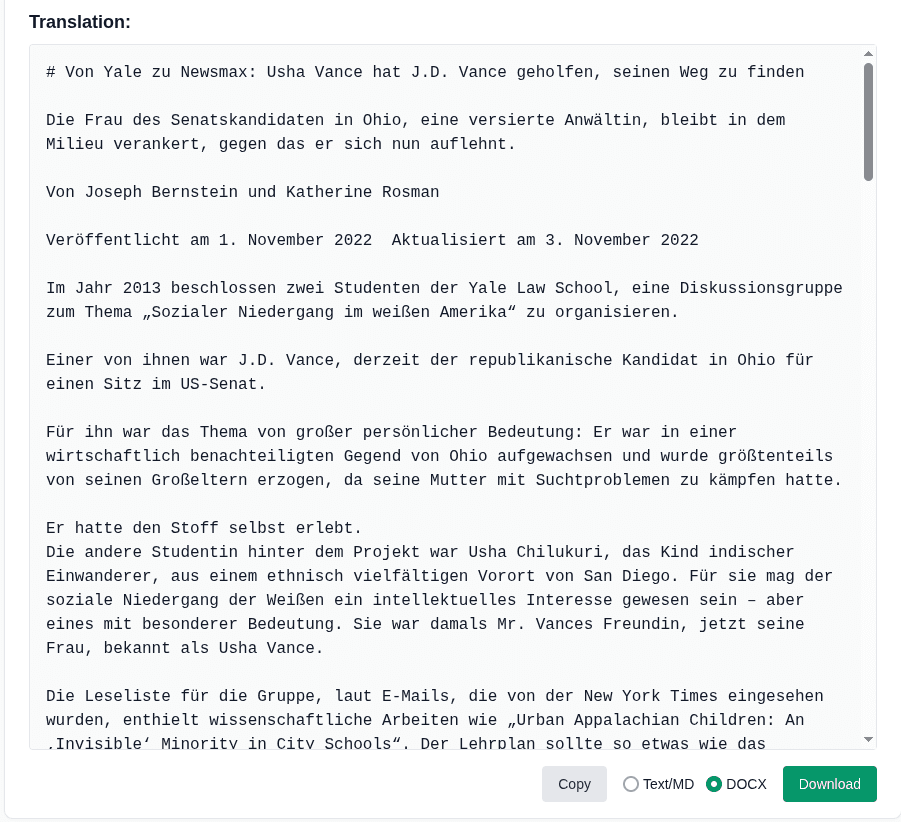
Review & Export
Review your translation, then export as DOCX, Markdown, or copy to clipboard.
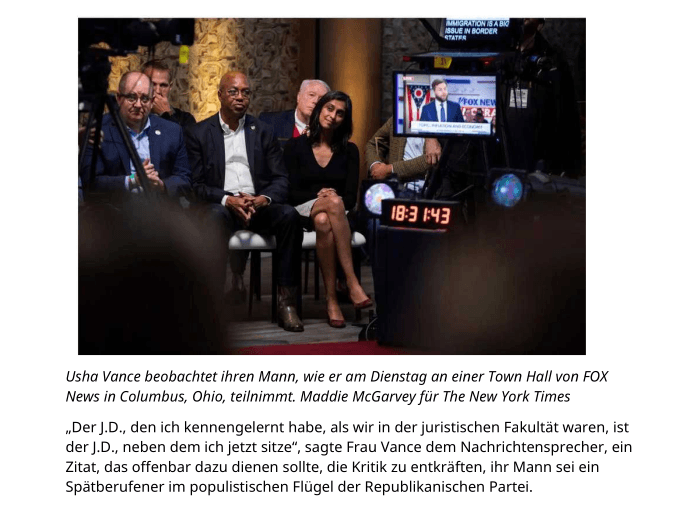
Images Preserved
Images from DOCX and PDF files are extracted during import and restored during DOCX export.
ZIP Import: Markdown with Images
Have a Markdown file that links local images, e.g. from a Pandoc-based workflow (document.md + media/image_1.jpg)? Since a browser can't reach files sitting next to an uploaded document, pack them together into a single ZIP archive — the Markdown file at the top level and its images inside a media/ folder — and drop the ZIP onto TranslateFlow like any other file.
We unpack it, translate the text, and keep the images linked so they appear correctly in your exported DOCX or Markdown — no manual re-inserting needed. This also means a Markdown-with-images ZIP exported from TranslateFlow can be re-imported later, e.g. to translate it into another language.
YouTube Intelligence
Transcript extraction is free!From hours of video to structured insights in minutes
Extract transcripts from any YouTube video for free, then translate or summarize. Even same-language processing cleans up filler words and structures the text with chapters.
A 75-minute video costs just €0.14–0.24 to process. No subscription required.
Full Translation + Summary
Raw transcript → clean, readable text. Filler words removed, sentences completed, structured with chapter headings. Works for any target language — including the original language (e.g., German → German cleanup). Plus a comprehensive summary with key topics, notable facts, and a "worth watching" rating.
How It Works
Find a Video
Browse YouTube and find a video you want to translate or summarize.
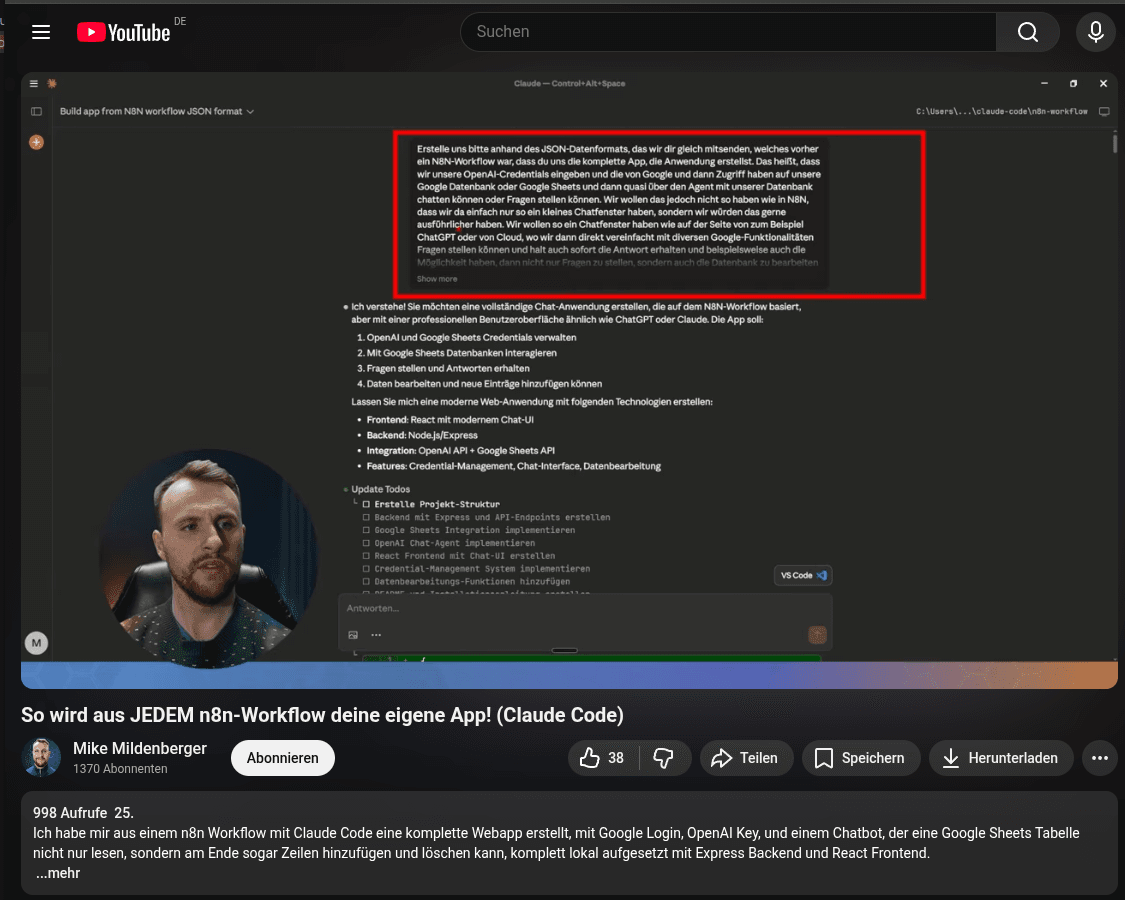
Copy the URL
Copy the video URL from the address bar or share menu.
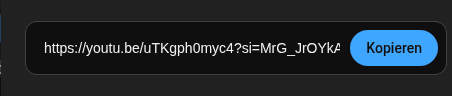
Paste in TranslateFlow
Open the YouTube import section and paste your URL.
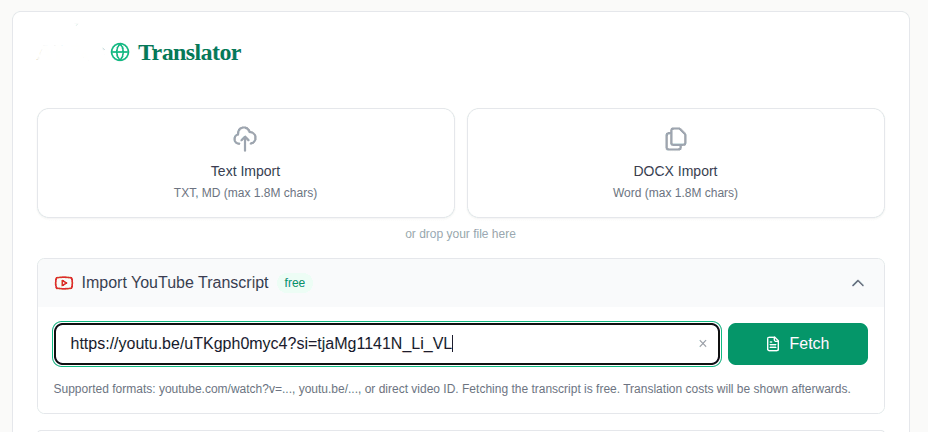
Fetch Transcript
Click 'Fetch' to extract the transcript (free!). The full transcript is loaded into the editor for translation.
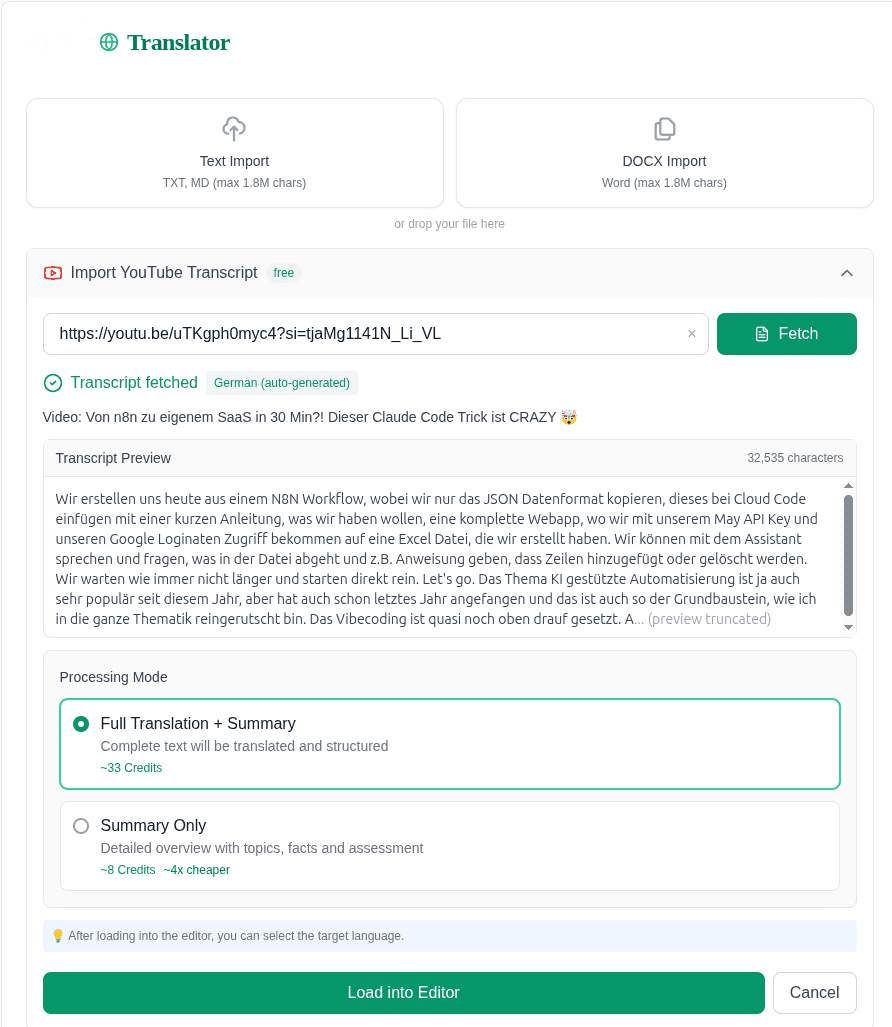
Choose Language & Start
Select your target language, see the cost estimate, and click to process.
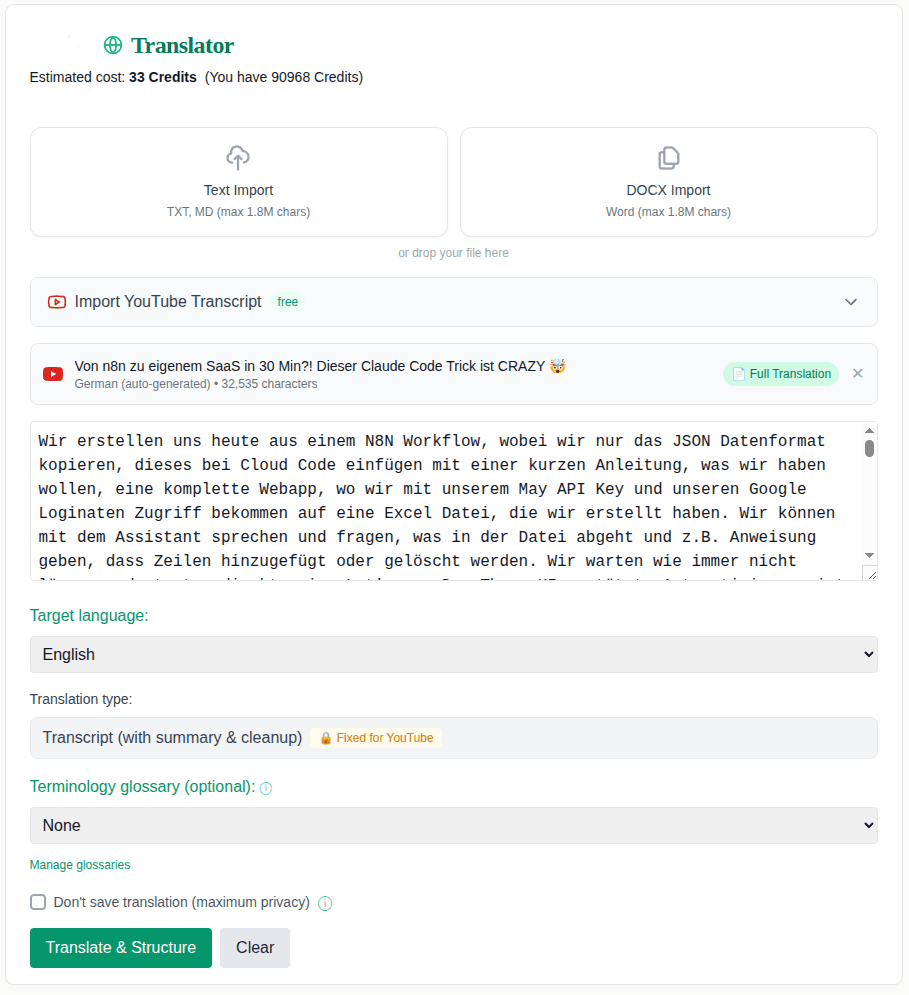
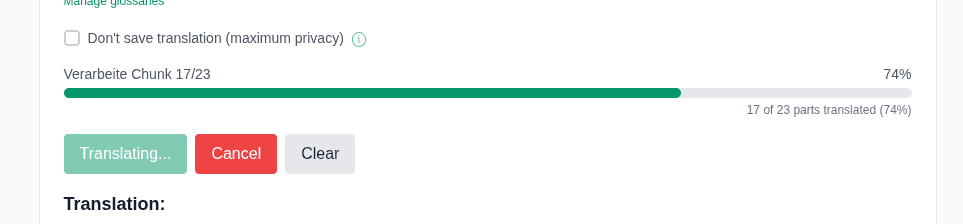
Processing
Watch the translation progress. Even 3-hour podcasts complete in under a minute.
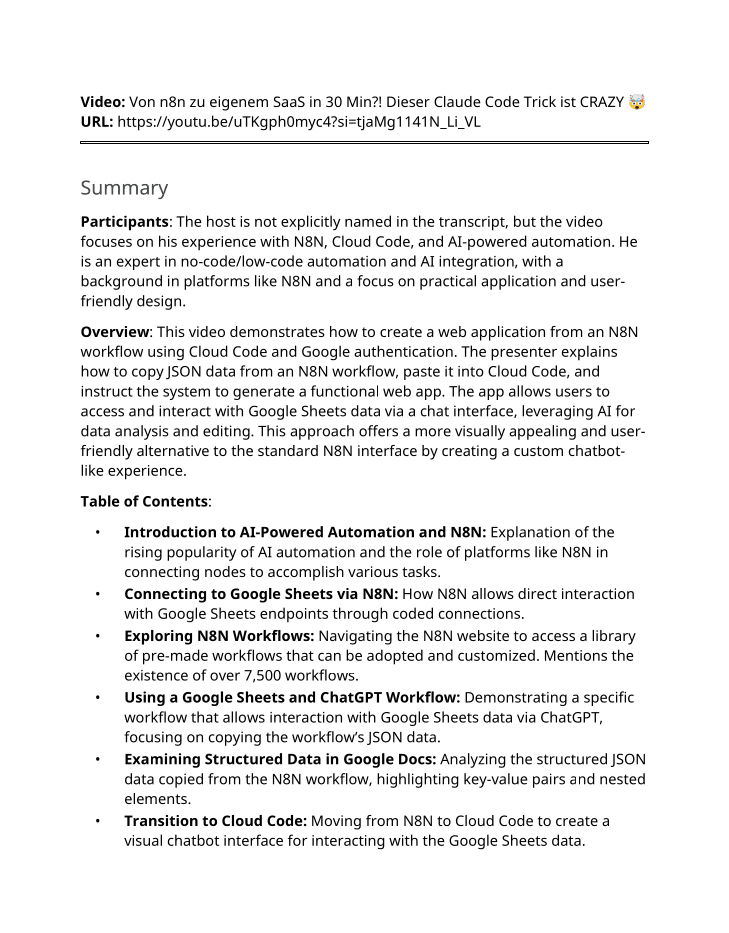
Export Result
Download as DOCX with professional formatting, or copy as Markdown.
YouTube Comment Analysis
New FeatureUnderstand your audience at a glance. Our AI analyzes up to 500 comments and provides a comprehensive sentiment report.
1Load Comments
When you fetch a YouTube transcript, check "Also load comments" (enabled by default). Comments are loaded for free in the background.
2Analyze with AI
After translating the transcript, click "Analyze with AI" to get a detailed sentiment analysis of all comments.
What the Analysis Includes
💡 500 comments analyzed = ~50 Credits = €0.10–0.17
Manual review: 2+ hours. With TranslateFlow: seconds.
Perfect for content creators, marketers, and researchers who want to understand audience feedback quickly.
3 Translation Modes
Choose the right mode for your content. Our AI adapts its approach based on your selection.
Standard
Best for documents & non-fiction
Accurate, precise translation that preserves the exact meaning. Perfect for business documents, technical texts, and factual content.
Creative / Poetic
Best for literature & artistic texts
Preserves style, rhythm, and emotional impact. Prioritizes how the text feels over literal accuracy.
Culturally Adapted
Best for localization
Adapts idioms, references, and cultural elements to the target audience. Makes content feel native, not translated.
Example: German → English
"Das ist nicht mein Bier."
"That is not my beer."
"That's none of my concern."
"That's not my cup of tea."
Dashboard & Glossaries
Track your usage, manage translation history, and create custom glossaries for consistent terminology across all your translations.
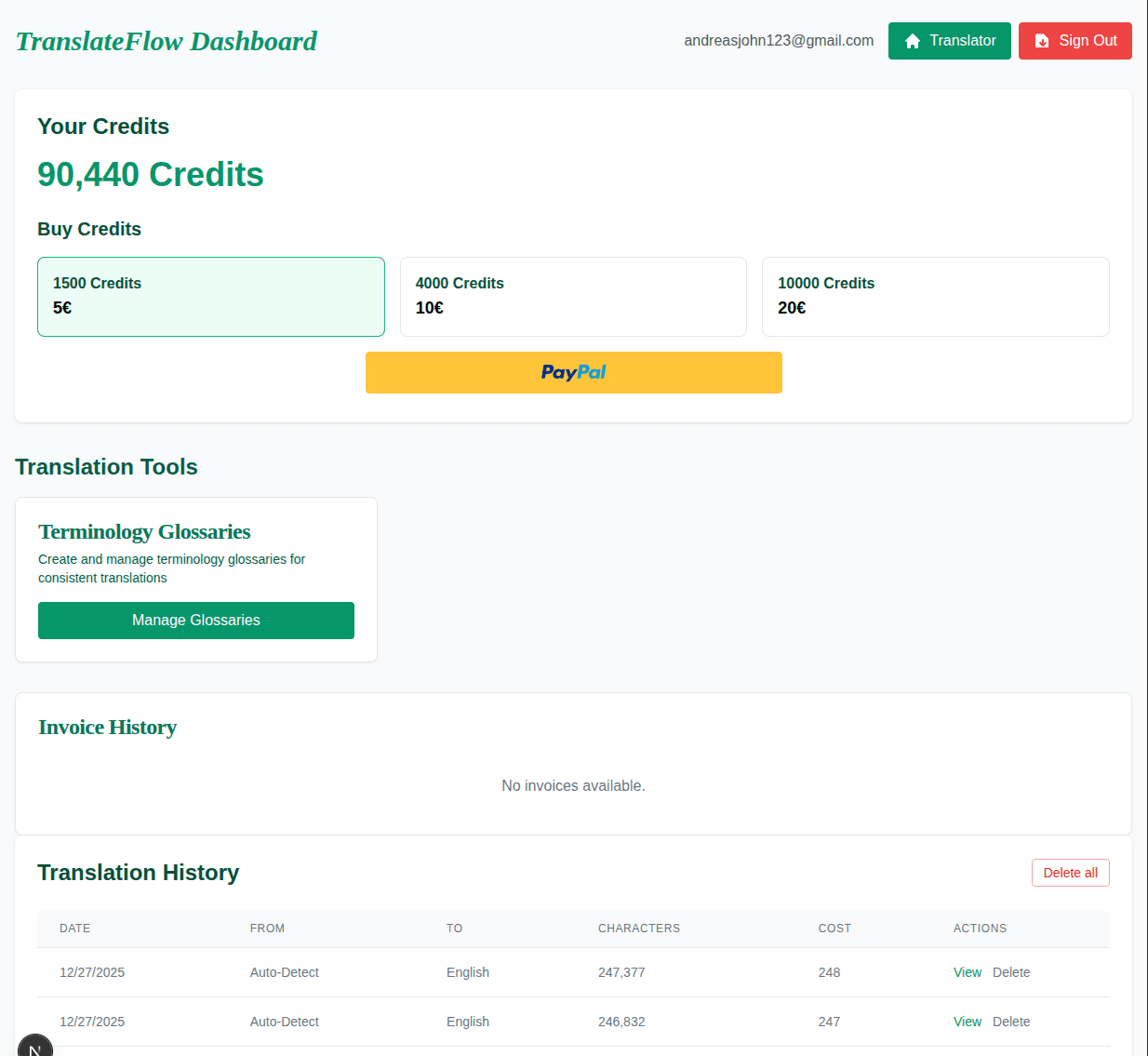
Your Dashboard
See your credit balance, translation history, and usage statistics at a glance.
Custom Glossaries
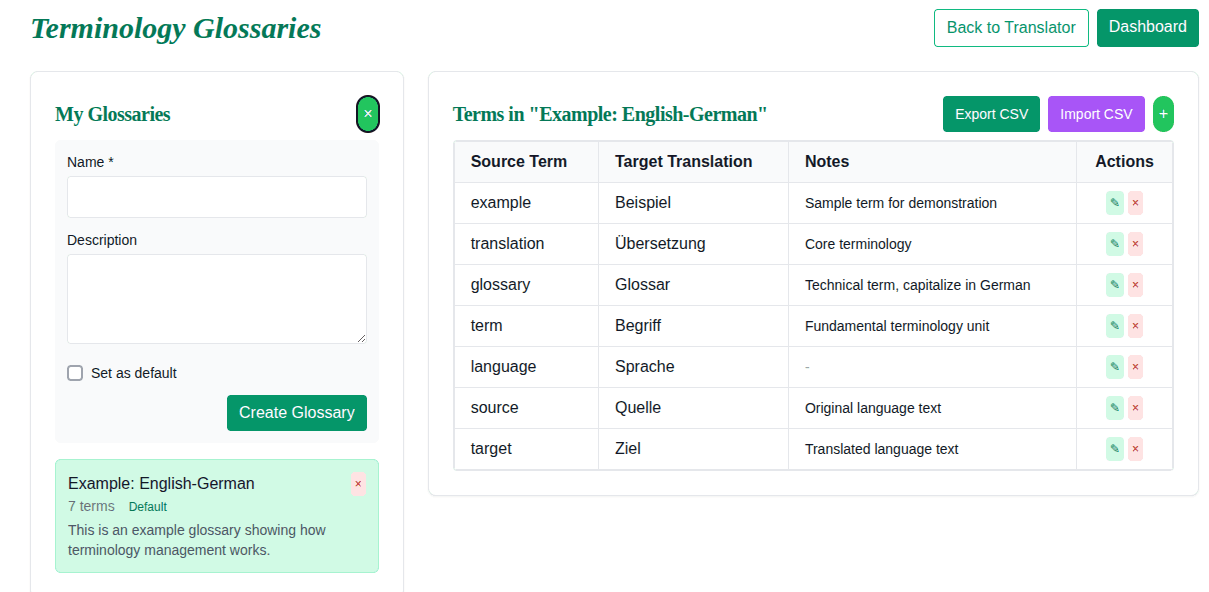
Create glossaries for specific projects or clients. Define how terms should be translated to ensure consistency.
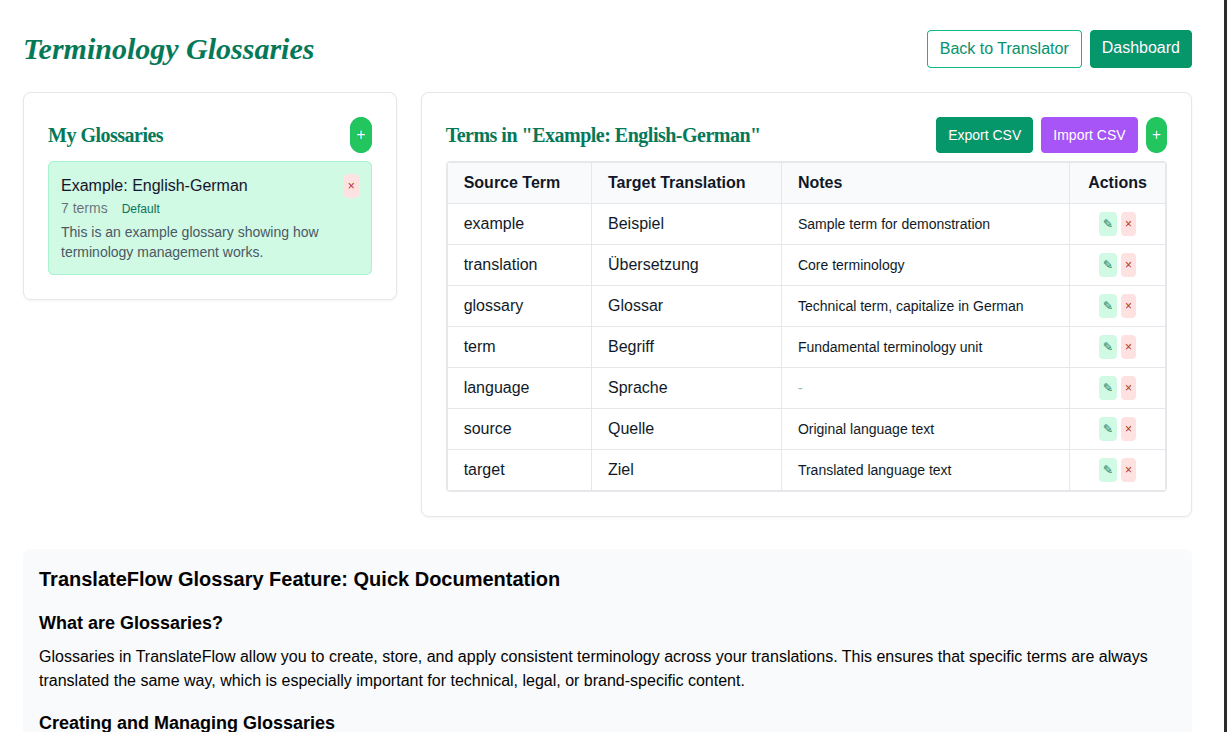
Edit Terms
Add, edit, or remove terms. Each glossary can contain unlimited entries for source → target language pairs.
Privacy & Security
Your data stays yours. We built TranslateFlow with privacy as a core principle.
German Hosting
All data is processed and stored on servers in Germany, subject to strict EU data protection laws (GDPR).
No AI Training
Your translations are never used to train AI models. We explicitly opt out of data collection by our AI providers.
"Don't Save" Option
Enable "Don't save translation" for maximum privacy. Your text is processed and immediately discarded – nothing stored.
Encrypted Transfer
All data transfer is encrypted via HTTPS/TLS. Your content is protected in transit.
Transparent Pricing
Pay only for what you use. No subscriptions, no hidden fees.
Free Start
~30,000 words
OR ~3h YouTube video
1,500 Credits
~225,000 words
OR ~20h YouTube video
4,000 Credits
~600,000 words
OR ~55h YouTube video
10,000 Credits
~1,500,000 words
OR ~140h YouTube video
| 📄 100 pages (~50,000 words) | |
|---|---|
| TranslateFlow | ~€1.00 |
| DeepL Pro | €25/month + usage |
| Professional Translator | €500–1,500 |
| 📺 75-min YouTube (translate + summary) | |
|---|---|
| TranslateFlow | €0.14–0.24 |
| ChatGPT Plus | $20/month |
| Manual research | 2+ hours |
Frequently Asked Questions
What file formats are supported?▼
.md file together with its media/ folder into one ZIP archive and import it — the images stay linked through translation and export.